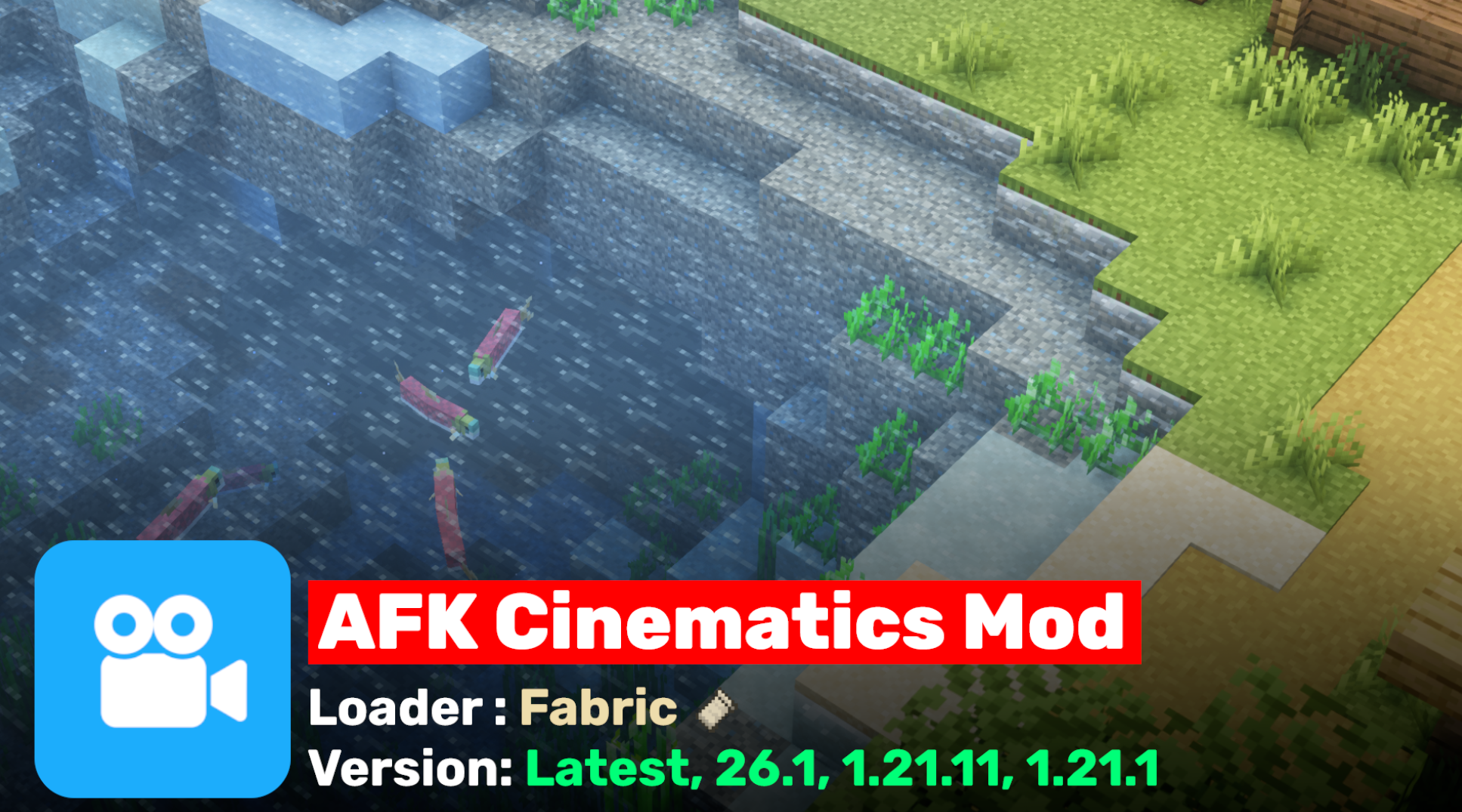
AFK Cinematics is a lightweight, client-side mod that automatically turns your Minecraft screen into a beautiful cinematic experience whenever you go AFK (Away From Keyboard).
Instead of just staring at a frozen view when you step away, the mod smoothly starts movie-like camera movements, panning, orbiting, zooming, and flying around your character. It makes your world look professional and dynamic, which is perfect for builders showing off creations, content creators making timelapses, or anyone who wants something nice to watch while grabbing a snack or answering the door.
The mod is completely dynamic and real-time. Unlike Replay Mod or Flashback, which record and replay pre-rendered footage, AFK Cinematics calculates everything live based on exactly where your player is standing and what the world looks like at that moment.
This means every cinematic shot is unique and reacts to your actual surroundings in real time. The mod is very new (published just today) and already gaining popularity for its simple yet impressive feature.
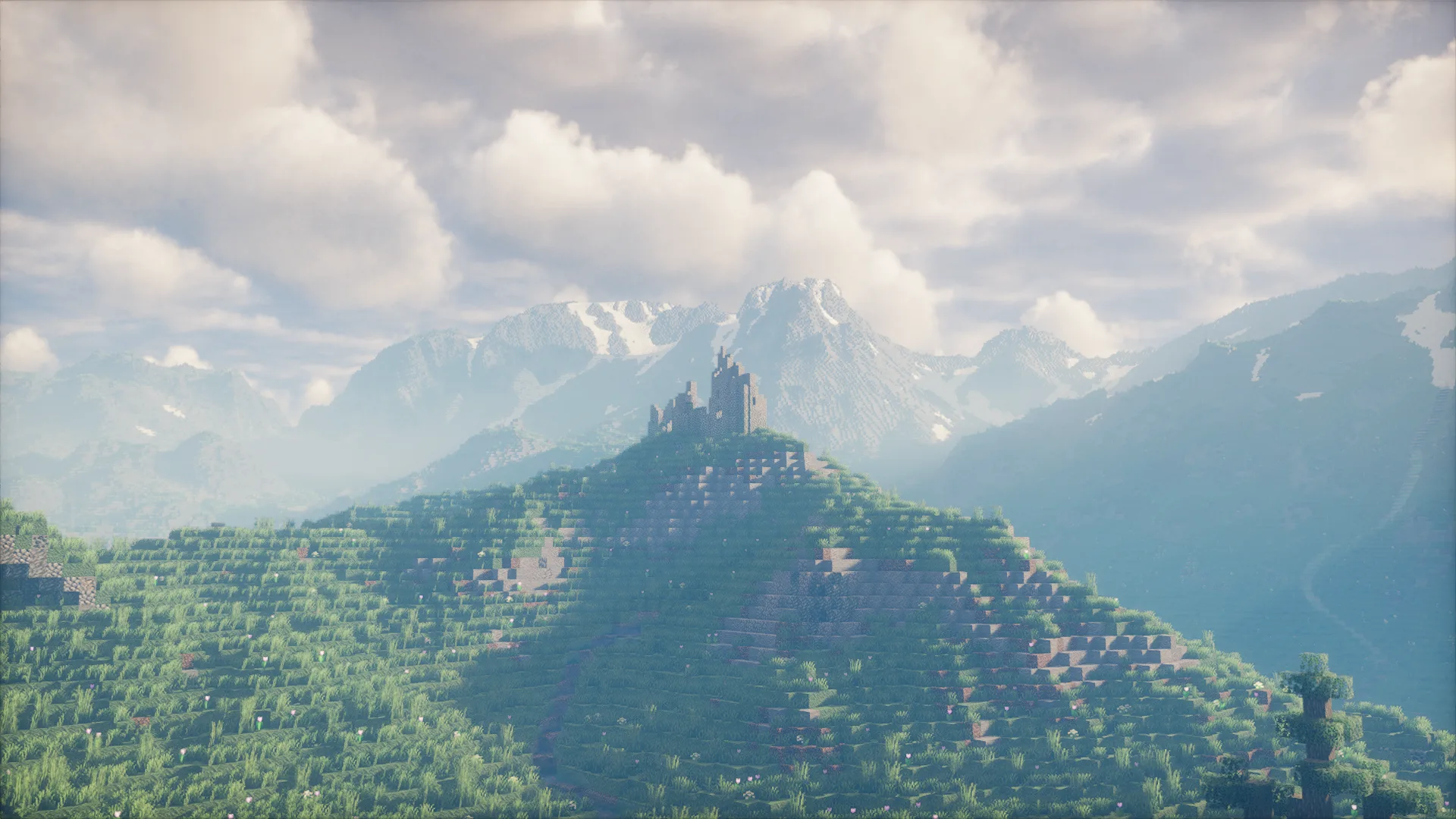
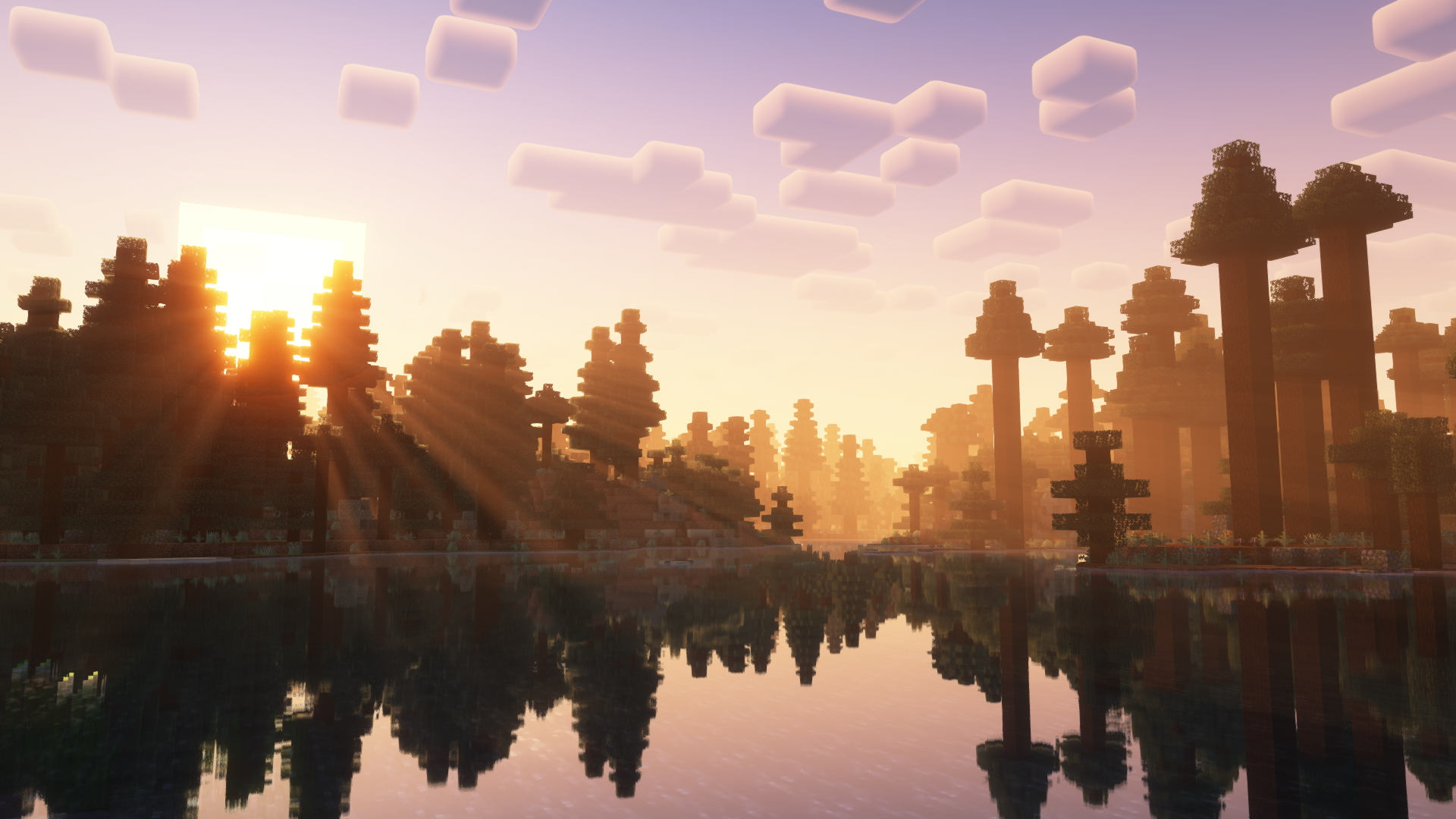
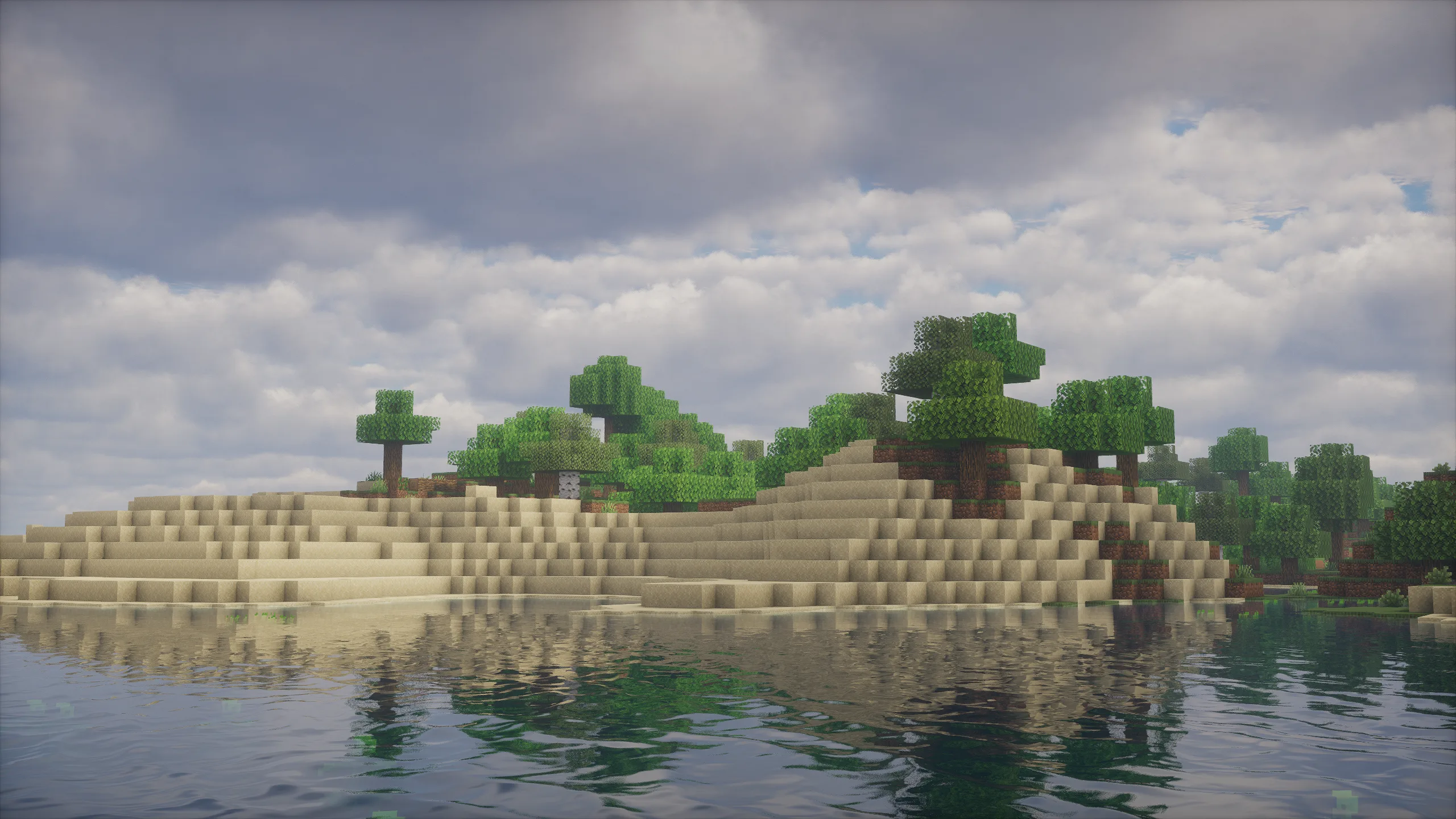
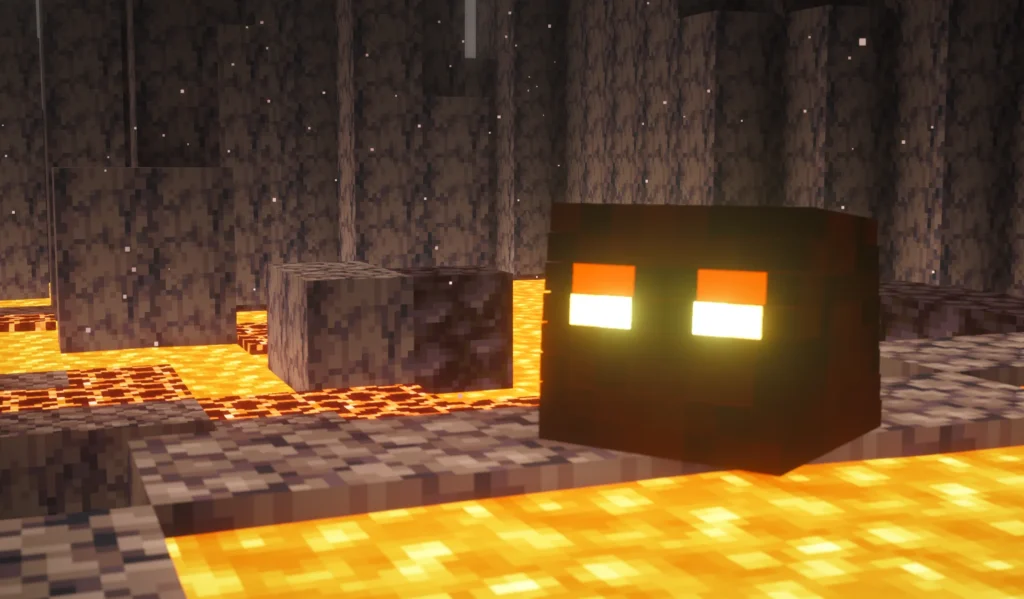
In-Game Screenshots of AFK Cinematics
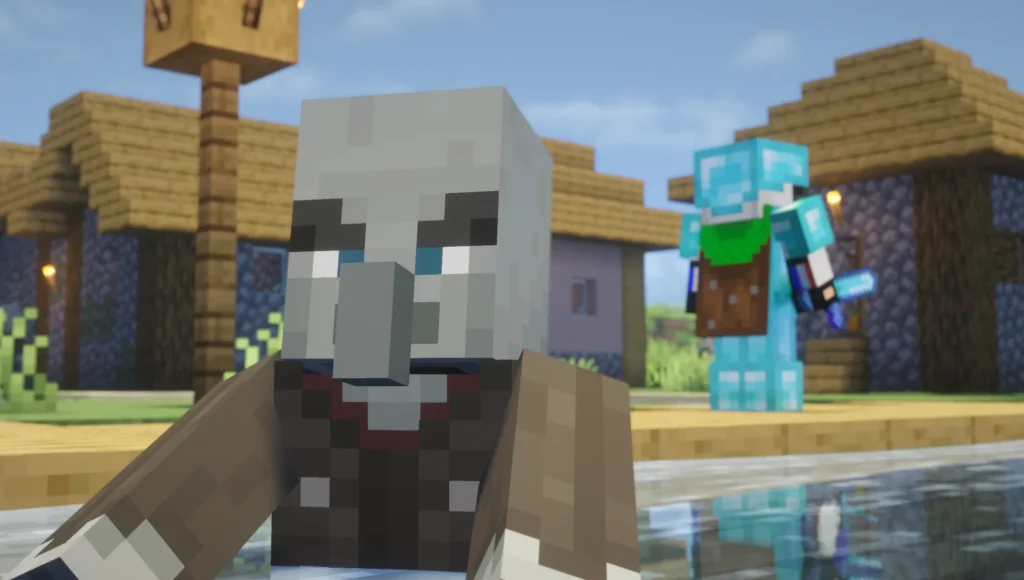
Features of AFK Cinematics
- Automatically starts cinematic camera shots when you are idle.
- Smooth, professional-looking camera movements that feel like real movie scenes.
- Works in both Survival and Creative modes.
- Fully configurable delay time before it activates (default is 25 seconds).
- Manual control so you can start cinematic mode instantly.
- Toggleable cinematic music.
- Extremely lightweight and easy to use.
System Requirements Table
AFK Cinematics is a very light client-side mod and runs on almost any computer.
| Hardware / Software | Minimum Requirement | Recommended Requirement | Notes |
|---|---|---|---|
| Operating System | Windows 10 / macOS 11 / Linux | Windows 11 / macOS 12+ / Modern Linux | Any modern OS works fine |
| Processor (CPU) | Dual-core 2.0 GHz | Quad-core or better | Mod is not CPU-heavy |
| RAM | 8 GB | 12 GB or more | Minecraft itself needs most of the RAM |
| Graphics Card | Any (integrated graphics OK) | Dedicated GPU (for shaders) | Works great with Iris |
| Storage | 50 MB free | Normal Minecraft storage | Very small file size |
| Minecraft Version | 1.21.1 – 26.1 | Latest 1.21.x |
Dynamic Real-Time Cinematics (Not Pre-Rendered)
One of the biggest strengths of this mod is that the cinematic shots are generated in real time. The mod doesn’t use any pre-recorded footage. Instead, it actively calculates the camera path based on your current location, the blocks around you, and the environment. This makes every AFK session feel fresh and unique. The camera will orbit your character differently depending on whether you’re standing in a forest, on a mountain, or inside a giant building
How to Install and Run AFK Cinematics

AFK Cinematics
1. Install Fabric Loader for Minecraft 1.21.1 or newer.
2. Install Fabric API (required dependency).
3. Download the latest .jar file from the official Modrinth page.
4. Place the file into your .minecraft/mods folder.
5. Launch Minecraft using the Fabric profile.
6. The mod will load automatically.
This is a client-side only mod. You do not need to install it on servers — it only affects what you see on your own screen.
Mod Commands
You can control the mod easily with these simple commands:
/afkc time <seconds>→ Set how long you must be idle before cinematic mode starts (default: 25 seconds)./afkc start→ Instantly start cinematic mode without waiting./afkc about→ Show information about the mod./afkc music→ Toggle cinematic music on or off.
How to Get Good Performance
AFK Cinematics is very well optimized and barely affects your FPS while playing normally. However, for the best performance while the cinematic camera is active:
- Open the game settings.
- Turn OFF the “Reduce FPS When: AFK” setting.
- Change it to Reduce FPS When: Minimized
Many players keep this option disabled so the camera moves smoothly at full frame rate even when you are AFK. If you leave it on, the game will intentionally lower FPS to save resources while idle.
Compatibility
- Loader: Fabric (official support).
- Minecraft Versions: 1.21.1 to 26.1 (latest versions as of now).
- Not supported on Forge.
- Works great with shaders (Iris), performance mods (Sodium, Lithium), and most other client-side mods.
- Completely client-side, no server installation needed.
Publish Date and Author
- Author: spunkyinsaan
- First Published: Last week (March, 23, 2026)
- Latest Version: 26.1 (still very new and actively maintained)
Known Issues & Fixes
While AFK Cinematics is a very new and lightweight mod, a few players have reported some minor issues during the early days after its release. Here are the most common ones along with easy fixes:
- Cinematic sometimes doesn’t start or stops after 1–2 seconds This usually happens when another mod is interfering with camera controls.
Fix: Temporarily disable all other mods and keep only AFK Cinematics and Fabric API enabled. Launch the game and test if the cinematic works properly. If it does, you can start re-enabling your other mods one by one to find the conflicting one. - Lag or low FPS while cinematic is active
Fix: Make sure the “Reduce FPS When AFK” option is turned OFF in the game settings. Leaving this option enabled intentionally lowers your frame rate while you are AFK. Turning it off usually solves the lag issue and gives you smooth cinematic movement. - Conflict with FPS Reducer mods AFK Cinematics may not work properly if you have any other mod that reduces FPS when idle (such as FPS Reducer or similar performance mods).
Fix: Disable the other FPS-reducing mod while using AFK Cinematics, or turn off its AFK reduction feature.
These issues are relatively rare and mostly appear when using many mods together. The developer is actively updating the mod, so most of these problems are expected to be fixed in future versions.
Frequently Asked Question
Is AFK Cinematics free?
Yes, completely free.
Can I use AFK Cinematics on multiplayer servers?
Yes, but only you will see the cinematic camera movements.
Does AFK Cinematics work with shaders?
Yes, it works very well with Iris and most other shaders.
How do I stop the cinematic camera?
Simply move your mouse or press any movement key — it instantly returns to normal view.
Can I record videos with it?
Absolutely! Many players use it with OBS Studio for beautiful idle timelapses and build showcases.
Important Links
| Resource | Link |
|---|---|
| Official Modrinth Page | https://modrinth.com/mod/afk-cinematics |
| CurseForge Page | https://www.curseforge.com/minecraft/mc-mods/afk-cinematics |