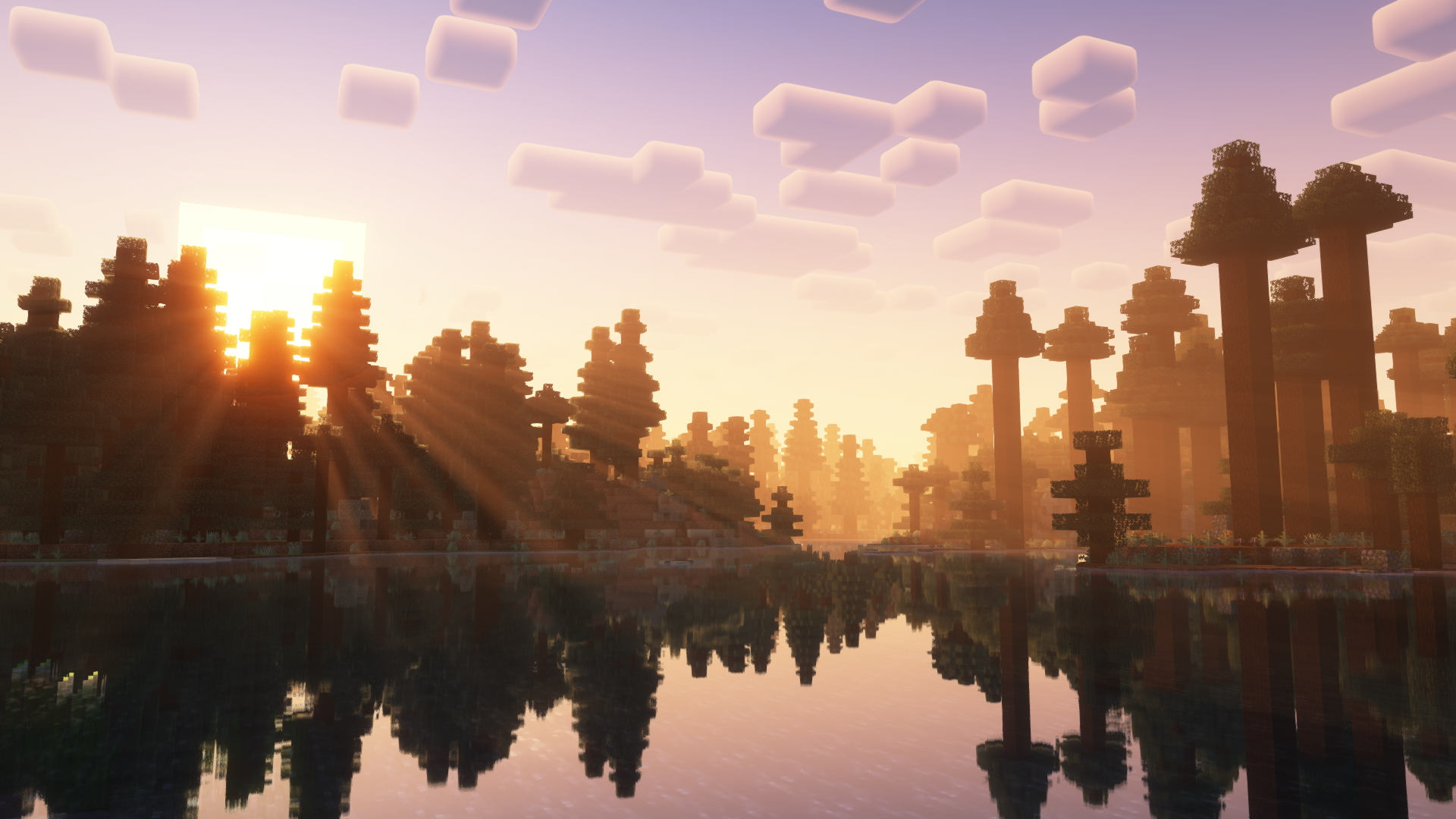
Complementary Shaders – Reimagined is one of the most loved shader packs for Minecraft Java Edition. It takes the classic look of vanilla Minecraft and makes it prettier, brighter, and more vibrant — without turning the game into a fully realistic simulator.
Many players call it the “best of both worlds”: it keeps the blocky, colorful charm that makes Minecraft feel like Minecraft, but adds beautiful lighting, soft shadows, clear water reflections, and nice atmospheric effects. With over 137 million downloads across platforms, it’s a top favorite in 2026 for players who want enhanced visuals that still feel familiar and fun.
Features of Complementary Shaders – Reimagined
Reimagined focuses on preserving Minecraft’s unique style while improving everything. Here’s what you get in simple words:
Lighting and Shadows
Soft, natural-looking light that spreads nicely. Torches and lava give warm colored glows. Shadows are gentle and dynamic, never too dark or harsh. It makes caves feel cozy and sunny days feel bright and cheerful.
Water and Reflections
Water looks clean and reflective, showing the sky, clouds, and surrounding blocks. Ripples and waves move naturally, but stay closer to vanilla style than super realistic waves. Underwater visibility is improved with soft light shafts.
Atmosphere and Sky
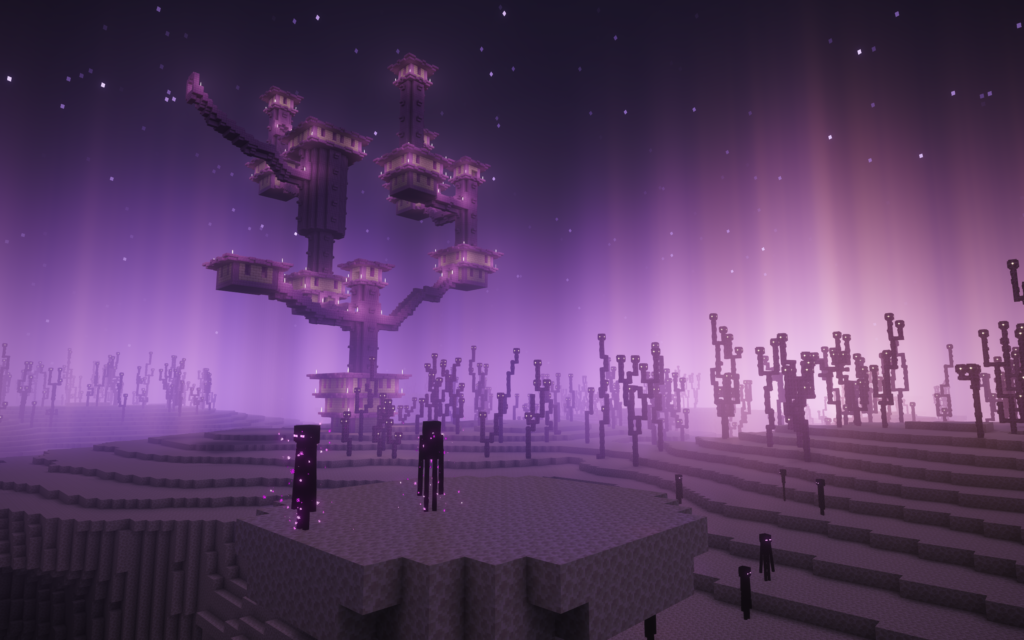
The sky has nice sunrises and sunsets with soft bloom (gentle glow around bright areas). Clouds are blocky yet rounded — keeping that classic Minecraft feel. Fog and atmosphere change based on the biome, so forests feel misty and deserts look warm and hazy. You also get auroras in cold biomes during full moons.
Block and Foliage Effects
Almost every block gets special treatment — glowing ores sparkle more immersively, leaves sway gently, and grass looks lush. It uses PBR (Physically Based Rendering) at low/medium/high levels so materials like wood, stone, and metal react to light in a natural way.
Other Highlights
- Colored lighting from any source
- Enhanced ambient occlusion (deeper corners and edges)
- Custom effects for tons of blocks
- Support for many popular texture packs and mods
Everything is highly customizable. You can tweak over 60 settings or pick from built-in profiles.
System Requirements to Run Complementary Shaders – Reimagined
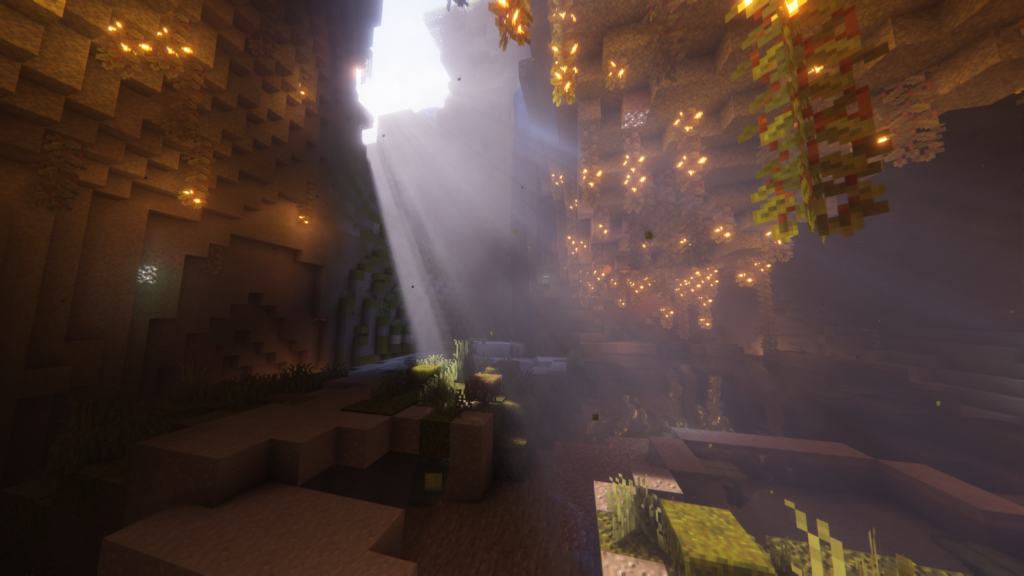
Reimagined is famous for its top-tier optimization. It runs smoothly on a wide range of computers thanks to profiles from Potato (very light) to Ultra (maximum beauty).
Here’s a clear breakdown:
| Hardware Level | Recommended Profile | Example GPU | RAM | Expected FPS (1080p) | Best For |
|---|---|---|---|---|---|
| Low-end | Potato or Low | Integrated graphics (Intel UHD/Iris Xe) | 8 GB | 40–70+ FPS | Older laptops, basic PCs — still looks nice |
| Mid-range | Medium or High | GTX 1650 / RTX 3050 / RX 6600 | 8–16 GB | 60–100+ FPS | Most players — smooth and beautiful |
| High-end | High or Ultra | RTX 3060 / RTX 4060 or better | 16+ GB | 80–150+ FPS | Max settings, high render distance, mods |
Quick Tips
- Many players with a GTX 1650 get steady 60+ FPS at Medium/High.
- On high-end cards like RTX 3060, you can max everything and still enjoy high frame rates.
- Use Iris + Sodium for the best performance (often 20-50% better FPS than OptiFine).
- It runs well even with mods and resource packs.
FPS Performance
Performance is one of the biggest reasons people love Reimagined. It is lighter than many realistic shaders while still looking stunning.
On mid-range hardware, you can easily maintain 60 FPS during normal gameplay. Heavy features like high-quality reflections or long shadow distances can be lowered if needed. Community tests show it rarely causes lag spikes, making it great for exploration, building, and even big modpacks.
Publish Date and Author
The Complementary Shaders project started in 2018 as a small edit of BSL Shaders by EminGT. The Reimagined style was introduced with a big rewrite around 2022-2023 (r5.0 update in September 2023 brought both Reimagined and Unbound together). It has received regular updates ever since.
The latest version is r5.7.1, released on February 4, 2026. EminGT continues to improve the pack based on player feedback and keeps it completely free.
How to Install Complementary Shaders – Reimagined

Using IRIS (Fabric)
1. Download and install Iris Shaders from irisshaders.dev (best performance).
2. Download the latest Complementary Reimagined from Modrinth, CurseForge – do NOT unzip it.
3. Open Minecraft → Options → Video Settings → Shaders → Open Shaderpacks Folder.
4. Drop the .zip inside and select “Complementary Reimagined” in the menu.

Using Optifine
1. Download and install OptiFine
2. Download Complementary Shaders – Reimagined
3. Move the .zip to your .minecraft/shaderpacks folder
4. Open Minecraft > Video Settings > Shaders > Select “Complementary Reimagined Shaders”
Compatibility
Complementary Reimagined works excellently with:
- Iris Shaders (best choice — especially with Sodium for modded gameplay on Fabric, Quilt, or NeoForge)
- OptiFine (great for Forge users)
It supports Minecraft versions from very old ones (1.7.10) up to the latest 1.21.x and beyond. It plays nicely with most resource packs and thousands of mods.
FAQ
What’s the difference between Reimagined and Unbound?
Reimagined keeps a more vanilla, colorful, blocky-Minecraft feel (blocky clouds, classic water look). Unbound is more realistic. You can mix settings from both after installing.
Does it work with mods?
Yes, very well. Iris + Sodium is the best combo for modded worlds.
How do I get more FPS?
Start with Medium or High profile. Lower shadow distance, reflections, or bloom if needed. Iris + Sodium helps a lot.
A Small Note on Complementary Shaders Reimagined
Reimagined is the style inside the Complementary family that stays true to Minecraft’s original charm. While the Unbound style goes for photorealistic lighting and water, Reimagined makes vanilla look better — brighter colors, nicer skies, and improved details without losing that fun, blocky soul. Many players love switching between the two depending on their mood.
Important Links
| Resource | Link |
|---|---|
| Official Website | https://www.complementary.dev/ |
| Modrinth Page (Reimagined) | https://modrinth.com/shader/complementary-reimagined |
| CurseForge Page | https://www.curseforge.com/minecraft/shaders/complementary-reimagined |
| GitHub Repository | https://github.com/ComplementaryDevelopment/ComplementaryReimagined |