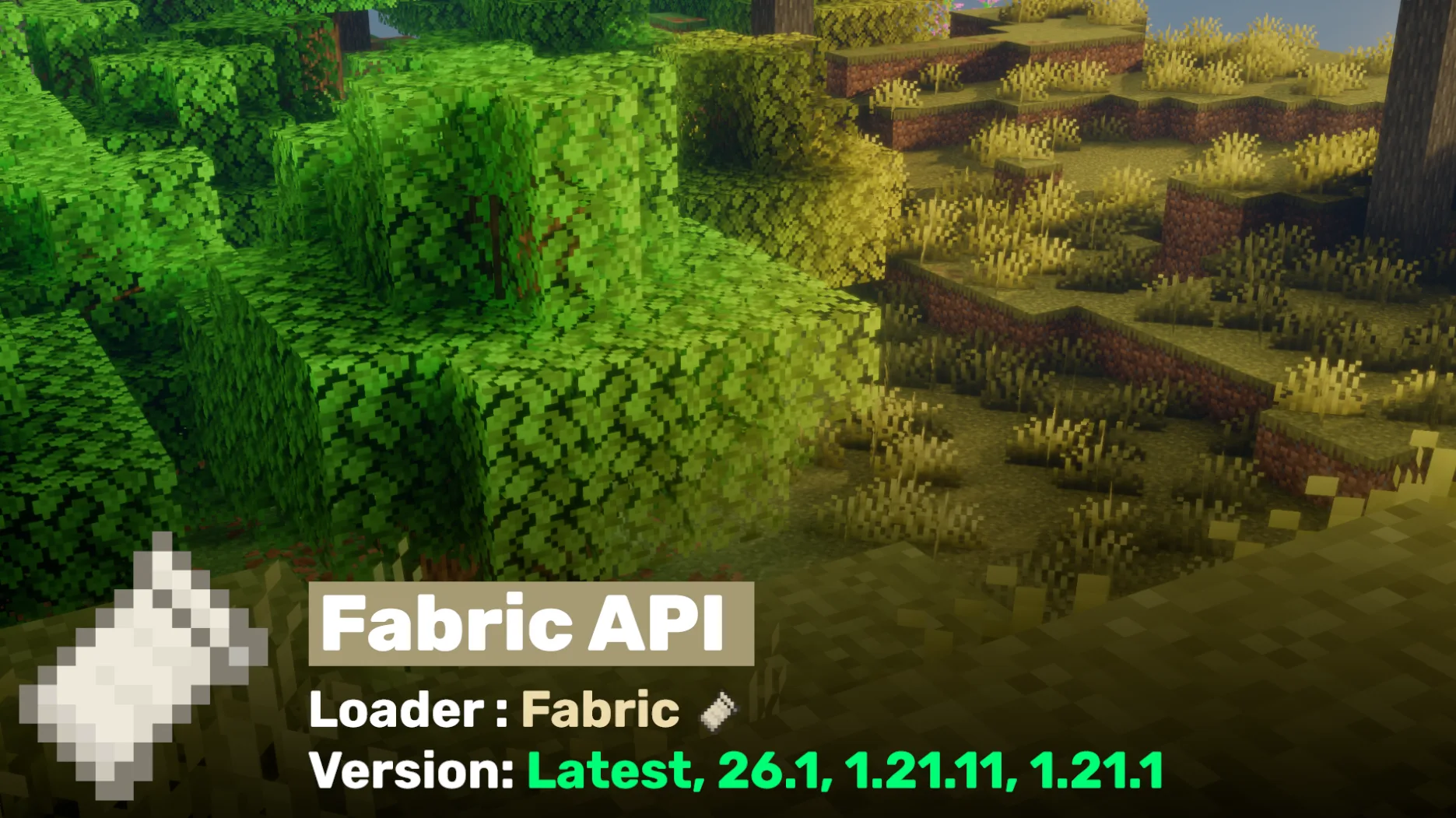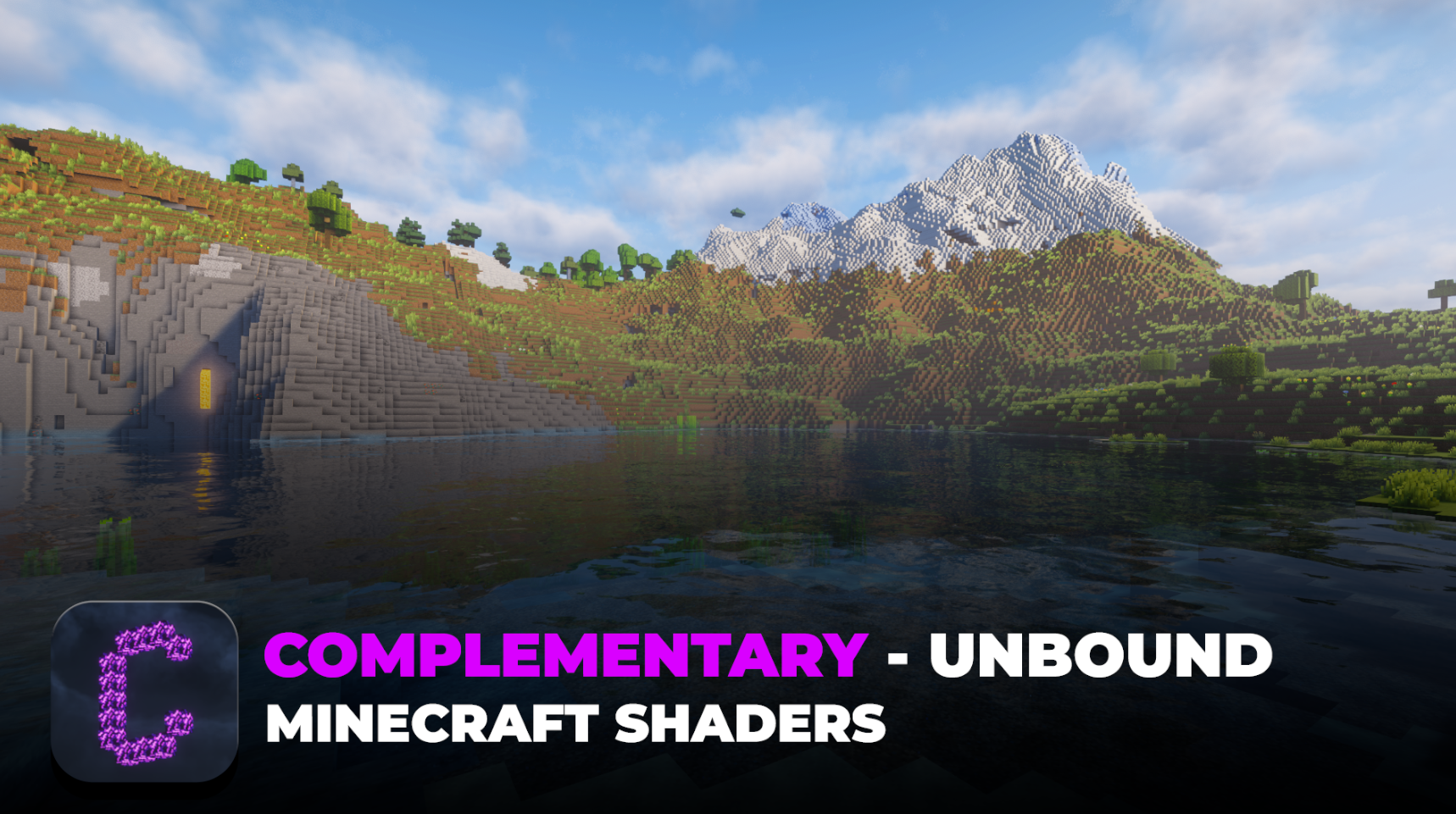
Complementary Shaders Unbound is one of the most popular and highly praised shader packs for Minecraft Java Edition. It turns the game’s simple blocky world into a stunning, immersive experience without slowing you down too much.
This shader pack stands out for its natural feel and for never getting in the way of gameplay. It comes with multiple options so you can tweak everything exactly as you like. Millions of players use it every month because it looks amazing and runs smoothly on almost any computer.
Complementary Unbound compatible versions:
26.1, 1.21.11, 1.21.10, 1.21.9, 1.21.8, 1.21.7, 1.21.6, 1.21.5, 1.21.4, 1.21.3, 1.21.2, 1.21.1, 1.21, 1.20.6, 1.20.5, 1.20.4, 1.20.3, 1.20.2, 1.20.1, 1.20, 1.19.4, 1.19.3, 1.19.2, 1.19.1, 1.19, 1.18.2, 1.18.1, 1.18, 1.17.1, 1.17, 1.16.5, 1.16.4, 1.16.3, 1.16.2, 1.16.1, 1.16, 1.15.2, 1.15.1, 1.15, 1.14.4, 1.14.3, 1.14.2, 1.14.1, 1.14, 1.13.2, 1.13.1, 1.13, 1.12.2, 1.12.1, 1.12, 1.11.2, 1.11.1, 1.11, 1.10.2, 1.10.1, 1.10, 1.9.4, 1.9.3, 1.9.2, 1.9.1, 1.9, 1.8.9, 1.8.8, 1.8.7, 1.8.6, 1.8.5, 1.8.4, 1.8.3, 1.8.2, 1.8.1, 1.8, 1.7.10, 1.7.9, 1.7.8, 1.7.7, 1.7.6, 1.7.5, 1.7.4, 1.7.3, 1.7.2
Features
Lighting and Shadows – It uses photorealistic lighting with global illumination. This means light bounces around naturally, sunlight illuminates caves softly, and colored light from stained glass or glowing blocks casts realistic colors everywhere. Shadows are soft and dynamic. You can choose how sharp or soft they look, and even get fake variable penumbra shadows for extra realism. Light shafts (god rays) shine beautifully through trees and windows, especially in the latest updates.
Water and Reflections – Water looks incredibly real with waves, reflections, and refractions. You can see the sky, trees, and even yourself reflected on the surface. Underwater effects include light shafts and nice coloring. You can adjust water opacity, bumpiness, and speed for calm lakes or rough oceans. Recent updates added mirror-like reflections on tinted glass, too.
Atmosphere and Sky – Volumetric clouds and fog make the world feel deep and atmospheric. Clouds move naturally, and you can choose different styles (including blocky ones if you prefer the classic Minecraft look). Fog balances perfectly so distant mountains look misty without hiding anything important. Bloom effects make bright areas glow softly, and the sky at sunrise or sunset looks cinematic.
Block Customizations – Almost every block in the game gets its own special treatment — ores sparkle differently, leaves sway gently, and grass looks lush. It supports PBR (Physically Based Rendering), so materials like metal, wood, and stone react to light the way they would in real life.
Complementary Shaders Unbound comes with 7 ready-made profiles so you can instantly change how beautiful and heavy the effects are! Just pick one in the shader options menu and tweak later if you want.
| 🌫️ SSAO Quality | Medium | Medium | Medium | Medium | Medium | Medium | High |
| 🏠 Block Entity Shadows | ❌ | ❌ | ✅ | ✅ | ✅ | ✅ | ✅ |
| ☁️ Shader Clouds | ✅ | ✅ | ✅ | ❌ | ✅ | ✅ | ✅ |
| 🌈 Colored Shadows | ❌ | ❌ | ❌ | ❌ | ❌ | ❌ | ✅ |
| 👁️ Enable DOF / Distance Blur | ❌ | ❌ | ❌ | ❌ | ❌ | ❌ | ✅ |
| 🪞 Double Reflection Quality | ❌ | ❌ | ❌ | ❌ | ❌ | ❌ | ✅ |
| 👤 Entity Shadows | ❌ | ❌ | ✅ | ✅ | ✅ | ✅ | ✅ |
| 🧱 Auto-Generated Normals | ❌ | ❌ | ❌ | ✅ | ❌ | ✅ | ✅ |
| 🌟 Light Shaft Quality | Medium | Medium | Medium | Medium | Medium | Medium | High |
| ✨ Noise Coated Textures | ❌ | ❌ | ❌ | ❌ | ❌ | ✅ | ✅ |
| 💧 Projected Caustics | ❌ | ❌ | ❌ | ❌ | ❌ | ✅ | ✅ |
| 🌊 Water/Trans Reflections | ❌ | ✅ | ✅ | ✅ | ✅ | ✅ | ✅ |
| 🔦 Specular | ❌ | ❌ | ❌ | ✅ | ✅ | ✅ | ✅ |
| ☀️ Shader Sun/Moon | ✅ | ✅ | ✅ | ❌ | ✅ | ✅ | ✅ |
| 🌀 Sun/Moon Path | -40.0 | -40.0 | -40.0 | 0.00 | -40.0 | -40.0 | -40.0 |
| 🌍 Vanilla Rotation | ❌ | ❌ | ❌ | ✅ | ❌ | ❌ | ❌ |
| 🌞 Water/Overlay Sun/Moon | ❌ | ❌ | ✅ | ❌ | ❌ | ❌ | ❌ |
| 💧 Water Absorption | ❌ | ❌ | ❌ | ❌ | ❌ | ❌ | ✅ |
| 🔎 Water Refraction | ❌ | ❌ | ❌ | ❌ | ❌ | ✅ | ✅ |
| ☁️💧 Water/Trans Cloud Reflections | ❌ | ✅ | ✅ | ✅ | ✅ | ✅ | ✅ |
| 🌊 Water Type | RTX-ish | Realistic-ish | Realistic-ish | RTX-ish | Realistic-ish | Realistic-ish | Realistic-ish |
| 🌊 Water Waves | ❌ | ✅ | ✅ | ❌ | ✅ | ✅ | ✅ |
| 📏 Shadowmap Distance | 8 Chunks | Low | Medium | Medium | Medium | Medium | Medium |
| 🖼️ Shadowmap Resolution | Low (1024) | Low (1024) | Medium (2048) | Medium (2048) | Medium (2048) | Medium (2048) | Medium (2048) |
| 🌑 Real-Time Shadows | ❌ | ✅ | ✅ | ✅ | ✅ | ✅ | ✅ |
| 🌌 Specular Sky Ref | ❌ | ✅ | ✅ | ✅ | ✅ | ✅ | ✅ |
Other Cool Effects
- Colored lighting from any light source
- Enhanced ambient occlusion (makes corners and edges look deeper)
- Player reflections in water and shiny blocks
- World-space reflections for better accuracy
- Custom rainbows (in Reimagined style too)
- Support for many popular mods
Everything is fully customizable in the Shader Options menu. You can turn features on or off, change quality levels, and even create your own look.
In-Game Screenshots


System Requirements
| Hardware Level | Recommended Profile | GPU Example | RAM | Expected FPS (at 1080p) | Best For |
|---|---|---|---|---|---|
| Low-end | Potato or Low | Integrated graphics (Intel UHD, old laptops) | 8 GB | 60+ FPS | Older PCs, basic gameplay, no lag |
| Mid-range | Medium or High | GTX 1650 / RTX 3050 | 8–16 GB | 40–70+ FPS | Smooth experience with most effects |
| High-end | Ultra | RTX 3060 / RTX 4060 or better | 16+ GB | 60+ FPS (often 100+) | Maximum beauty, full ray-like effects |
You only need Minecraft Java Edition, a shader loader (Iris or OptiFine), and Java 17 or newer for the easy installer. No special graphics card is required to start the pack scales automatically to your hardware.
FPS Performance
One of the biggest strengths of Unbound is its top-tier optimization. Even with all the fancy effects turned on, it runs faster than many other realistic shaders.
- On medium settings, most players see 60+ FPS.
- Heavy features like high-quality reflections or volumetric fog can drop FPS on weaker computers, but you can easily lower them in the options.
- The “never obstructive during gameplay” design means you can explore caves, fight mobs, or build huge bases without lag spikes.
Many players report better performance than older versions thanks to regular updates that improve Temporal Filtering and lighting calculations.
Shader Information
The Complementary Shaders project started in 2018 as a small edit of another popular pack called BSL Shaders. It grew quickly with community feedback and got a complete rewrite to reach today’s high standards. The Unbound style became available as a dedicated option around 2023 (the Modrinth project was published about 3 years ago). Updates continue regularly — the latest version, r5.7.1, was released on February 4, 2026, with improved light shafts, colored lighting, reflections, and more.
The author is EminGT, a passionate Minecraft shader developer who listens closely to player suggestions and keeps the pack free and open for everyone.
How to Install Complementary Shaders Unbound
Installing is super easy. Here are two methods:
Easiest Method (Recommended – Uses Installer)
- Get the Complementary Installer from the official site.
- Make sure you have Java installed (download from java.com if needed).
- Run the installer file, choose “Unbound” style, and click Install.
- It automatically installs Iris Shaders and the pack for you!
Manual Method (for OptiFine or custom setups)
- Install Iris Shaders (from irisshaders.dev) or OptiFine.
- Download the Unbound shader file (.zip) from Modrinth or CurseForge — do NOT unzip it.
- Open Minecraft, go to Options → Video Settings → Shaders.
- Click “Open Shaderpacks Folder” and drop the .zip file inside.
- Restart the shader menu, select “Complementary Unbound,” and enjoy!
You can switch styles or tweak everything later in Shader Options.
Compatibility
Complementary Shaders Unbound works perfectly with both major shader loaders:
- Iris Shaders (best performance, works on Fabric, Quilt, and NeoForge)
- OptiFine (classic choice for Forge)
It supports Minecraft versions from very old ones (1.7.10) up to the latest 1.21.x. Most mods work fine alongside it. If you use resource packs or other mods, Unbound usually plays nicely thanks to its wide compatibility.
Frequently Asked Question
Is Complementary Shaders Unbound free?
Yes, completely free forever. You can support the author on Patreon if you want.
Can I switch between Unbound and Reimagined styles?
Yes! Just install the other version from Modrinth, or adjust settings in Shader Options to get a similar look.
Does it work with addons?
Yes, it works with thousands of addons. Some mods even have special compatibility options inside the shader settings.
Why does my FPS drop underwater?
Turn down “Underwater Light Shafts” or switch to a lower profile this is normal for realistic water effects.
How do I update the shader?
Just install the newest version and replace the old .zip file in your shaderpacks folder.
A Little About Complementary Shaders Reimagined
Complementary Shaders Reimagined is the sister pack to Unbound. While Unbound goes for a more realistic, photorealistic look, Reimagined keeps the original colorful and blocky feel of vanilla Minecraft but still adds all the same high-quality lighting, water, and effects. It is slightly lighter on performance and feels more “Minecraft-like.” Many players love switching between the two styles depending on their mood both are made by the same team and share the exact same great optimization and updates.
Important Links
| Resource | Link |
|---|---|
| Official Website | https://www.complementary.dev/shaders/ |
| Modrinth Page (Unbound) | https://modrinth.com/shader/complementary-unbound |
| CurseForge Page | https://www.curseforge.com/minecraft/shaders/complementary-unbound |