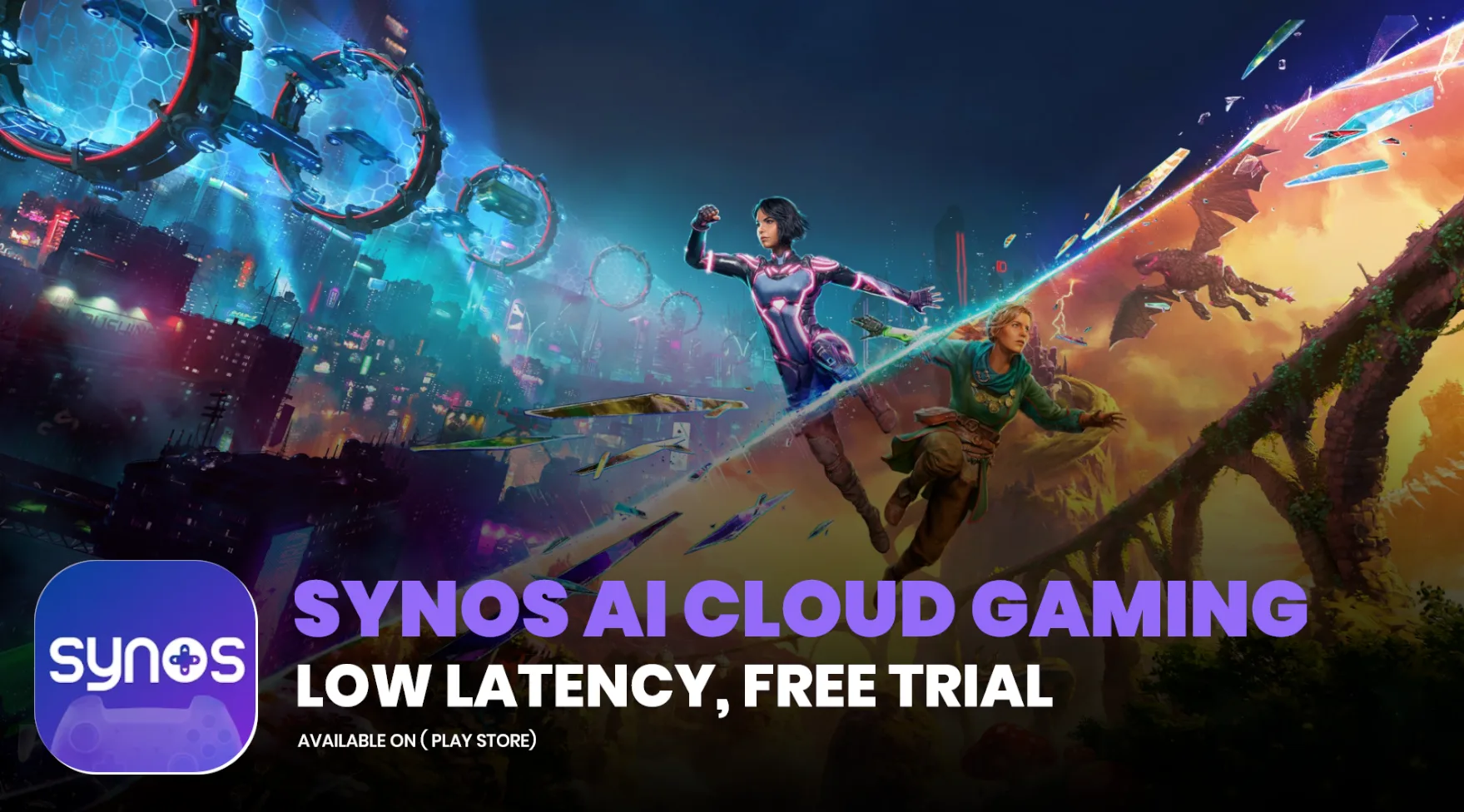
Synos AI Cloud Gaming (often called Synos.gg) is a next-generation cloud gaming service that lets you play high-end PC games like GTA 5, FIFA, God of War, Resident Evil, and many Steam, Epic, and EA titles directly on your phone, tablet, or laptop — without downloading huge files or owning a powerful gaming PC.
In simple words, the game runs on Synos’s powerful cloud servers (high-end GPUs), and only the video and audio are streamed to your device. Your touches or controller inputs travel back instantly. This gives a near-native gaming experience with low latency, even on mid-range or budget Android phones.
Synos stands out because it is community-driven and uses AI-optimized routing for ultra-low latency. It also introduces unique features like Virtual Cloud LAN, which turns almost any game into a multiplayer experience. Launched in early 2026, it is still growing rapidly and gaining attention for making expensive PC gaming accessible on mobile.
How Does Synos AI Cloud Gaming Work?
You Install the small Synos app from Google Play (or use the web version when available), log in, and browse or search for games. Many popular titles are maintained by the community (“Compute Experts”). When you select a game, Synos connects you to the nearest edge server, streams the game in real-time, and you play as if it were running locally on your device.
You can bring your own games (BYOG) from Steam, Epic, or EA accounts. The service does not sell or provide game files itself — it only provides the powerful cloud computing and streaming.
Features of Synos AI Cloud Gaming
- Ultra-Low Latency Streaming — AI-optimized routing keeps input lag very low (sub-50ms on nearby nodes). If your device can stream YouTube in 2K, Synos delivers similar quality.
- No Downloads Required — Most games launch instantly. Only a few titles need limited downloading by community contributors.
- Virtual Cloud LAN — A standout feature that creates a native LAN environment across global edge nodes. This unlocks multiplayer and co-op for almost any game that supports LAN, even single-player titles.
- Instant Social Play — Share your gameplay with one click. Friends can join, spectate, or even take control in real-time.
- Share Power, Not Progress — You can share your cloud rig and game library with friends while keeping your personal save files private.
- Customizable Virtual Controller — Tailored on-screen controls for mobile, giving a console-like feel with high precision for competitive games.
- 2K Streaming Quality — High-resolution streaming with smooth frame rates for hardware-intensive games.
- Isolated & Secure Environments — Each session runs in a clean, isolated setup that gets wiped after use. Saves are stored separately or synced via official clouds like Steam Cloud.
- Community-Driven Library — Users can request titles, and community experts maintain and deploy popular games.
- Upcoming AI Agent (H1 2026) — An intelligent assistant that will remember your playstyle and preferences.
Device Compatibility & System Requirements
Synos is designed to work on almost any device:
- Android — Full app support (available on Google Play).
- iOS — App available at app.synos.gg.
- PC / Mac / Laptop — Web version coming in May 2026; turns even low-end laptops or MacBooks into high-end gaming machines without overheating or storage issues.
- Controllers — Native support for Xbox and PlayStation controllers on Android and web. Other controllers are being optimized.
No heavy local hardware is needed. As long as you have a stable internet connection and a screen that can handle video streaming, you can play AAA games.
Pricing Comparison Table (as of April 2026)
Synos is currently in Beta phase, so pricing is still evolving.
| Plan | Price | Key Benefits | Playtime / Limits | Best For |
|---|---|---|---|---|
| Free / Beta | Free (with daily tokens) | Limited daily playtime, basic access, ads/queues | Token-based (resets daily) | Testing the service, casual play |
| VIP / Paid | Not finalized yet | Unlimited access, priority servers, no queues, full features | Expected unlimited | Regular & heavy users |
Note: Official pricing will be announced based on compute costs and user feedback. During beta, registered users get free daily tokens. Many early users report it feels more affordable than premium tiers of bigger services.
Synos AI Cloud Gaming vs Xbox Cloud Gaming vs Actual Gaming PC
Synos Advantages:
- Strong focus on PC games (Steam, Epic, EA) and bringing your own library.
- Virtual Cloud LAN for easy multiplayer in almost any title.
- Very low latency with AI routing — excellent for competitive play on mobile.
- Community-driven and potentially more affordable.
Synos Disadvantages:
- Still in early stages (beta), so library and stability can vary.
- Smaller official curated library compared to Xbox Game Pass.
- Streaming quality depends heavily on your distance to edge nodes.
Xbox Cloud Gaming Advantages:
- Larger, officially curated library with day-one AAA releases.
- More consistent 1440p streaming and ecosystem integration.
- Better for casual story games and families.
Actual Gaming PC Advantages:
- Best possible graphics, zero streaming lag, full offline play, and permanent ownership.
- Full control over mods, settings, and ray tracing.
Verdict in 2026:
Synos AI Cloud Gaming is an exciting new option for players who want affordable, low-latency PC gaming on mobile with unique social and multiplayer features. It shines for competitive titles and community sharing. Xbox Cloud Gaming is better for a polished, large library experience, while a dedicated gaming PC remains the king for maximum performance and ownership.
Final Thoughts
Synos AI Cloud Gaming represents the growing trend of community-powered, edge-computing cloud services in 2026. By combining ultra-low latency, Virtual Cloud LAN, and the ability to bring your own games, it offers a fresh take on mobile gaming. While still maturing, it already delivers impressive results for many users, especially in regions with good internet but limited access to expensive hardware.
If you love PC gaming but want to play on the go without spending on a high-end phone or laptop, Synos is definitely worth trying during its beta phase with free daily tokens. As the service expands with the web version, desktop support, and the upcoming Synos Agent, it could become a major player in the cloud gaming space.
Important Links
| Resource | Link |
|---|---|
| Official Website | https://www.synos.gg/ |
| Google Play App | https://play.google.com/store/apps/details?id=com.xcompute.synos |
| App / Web Access | https://app.synos.gg/ |
| Support & Feedback | Available through the app or website |