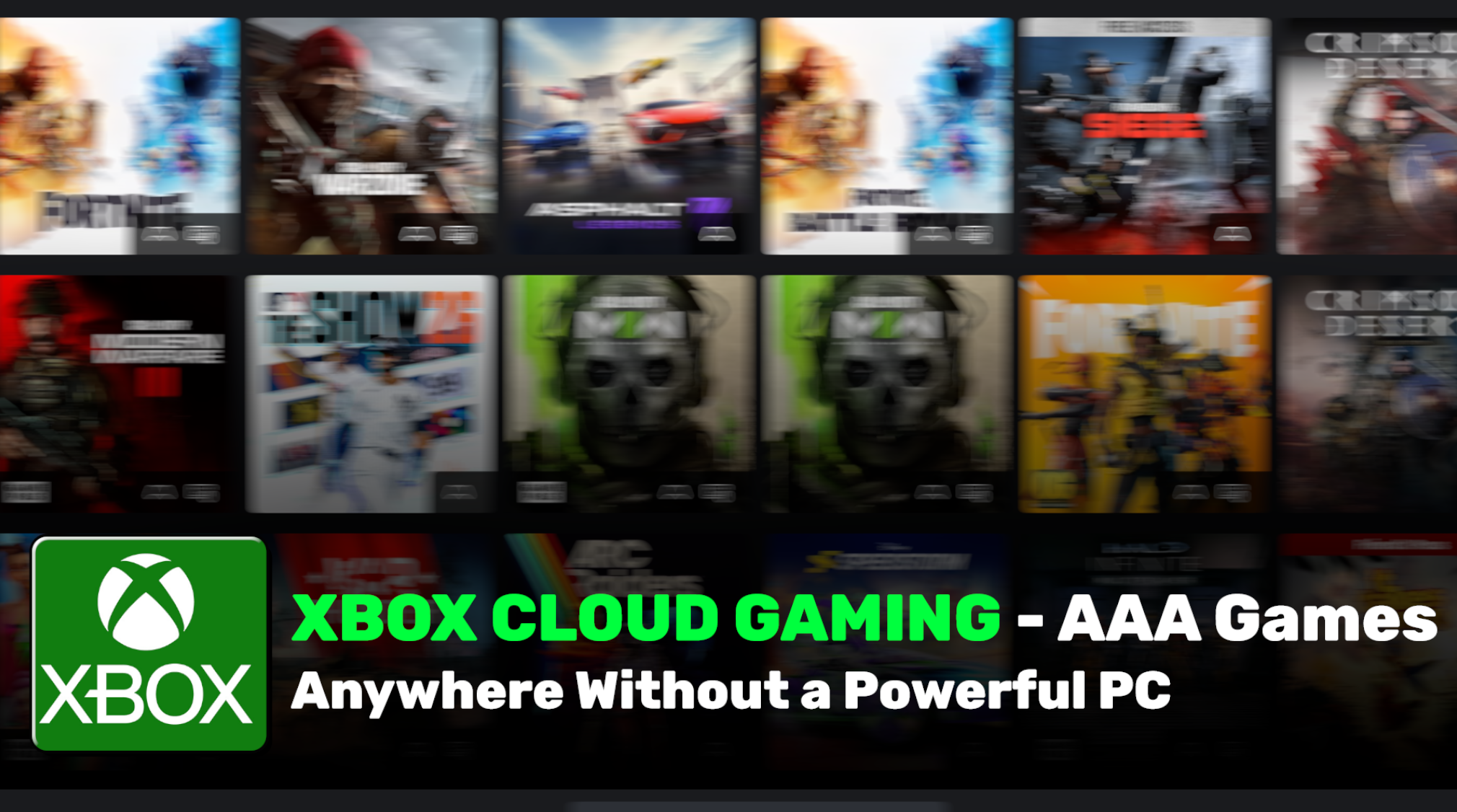
Xbox Cloud Gaming (also called xCloud) lets you stream and play hundreds of high-quality Xbox games directly from Microsoft’s powerful servers. You don’t need an expensive gaming PC, Xbox Series X, or even a console — just a stable internet connection and almost any screen you already own.
In simple words, the game runs on Microsoft’s data centers, and only the video and audio are streamed to your device. Your controller or touch inputs are sent back instantly. This means you can enjoy next-gen titles like Microsoft Flight Simulator, Forza Horizon 5, or day-one releases on a phone, tablet, laptop, smart TV, or even an older Xbox One.
As of 2026, Xbox Cloud Gaming has matured significantly. It is no longer in beta, now offers up to 1440p resolution with higher bitrate streaming on many devices, and has a growing “Stream Your Own Game” feature that lets you stream games you already own.
How Does Xbox Cloud Gaming Work?
You subscribe to an Xbox Game Pass plan (usually Ultimate), open the Xbox app or go to xbox.com/play in your browser, select a game, and start playing within seconds. The powerful Xbox Series X-equivalent servers handle all the heavy graphics and processing. Your device only needs to decode the video stream and send your inputs.
Minimum Requirements (2026):
- Stable internet: 10 Mbps minimum (mobile), 20 Mbps recommended for good quality. 5GHz Wi-Fi or wired connection is best.
- Supported devices: Xbox consoles (One & Series), Windows PC, Mac, iPhone/iPad, Android phones/tablets, Samsung & LG smart TVs, Amazon Fire TV, select handhelds, and Meta Quest VR headsets.
- Controller: Bluetooth Xbox controller recommended (touch controls available on some mobile games).
Key Features of Xbox Cloud Gaming in 2026
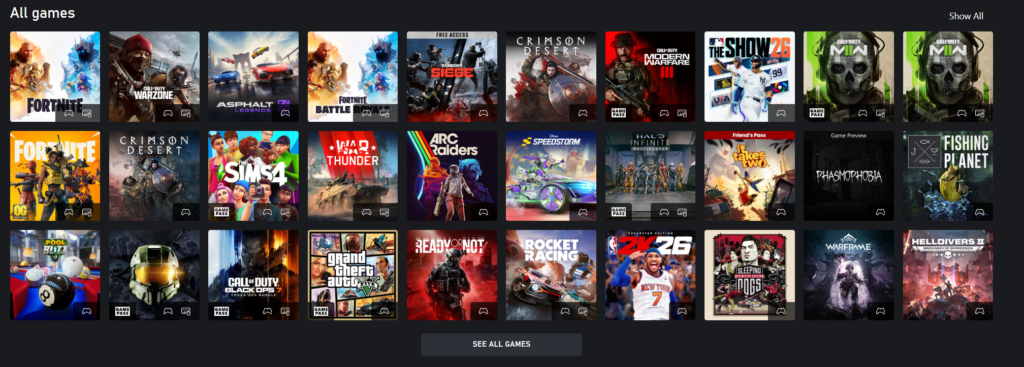
- Huge Game Library — Access 500+ games with Game Pass Ultimate, including day-one releases from Xbox Game Studios, Bethesda, and Activision Blizzard.
- Stream Your Own Games — Play many titles you already own via the cloud (over 200+ added recently).
- Cross-Device Play — Start a game on your phone during lunch, continue on your TV at home, and finish on your PC — progress syncs automatically.
- Improved Streaming Quality — Up to 1440p resolution and higher bitrate for Ultimate subscribers (rolled out in February 2026). Sharper visuals and more responsive gameplay.
- Touch Controls — Many games support on-screen touch controls on phones and tablets.
- Quick Resume & Fast Loading — Games load quickly because they run on powerful servers.
- Multiplayer & Social Features — Play with friends using Xbox Party Chat and invites.
- Free-to-Play Support — Play games like Fortnite without any subscription.
- New 2026 Web Experience — Refreshed browser interface with better navigation and a dedicated Library tab to separate owned games from Game Pass titles.
Pricing Comparison Table (as of April 2026)
Xbox Cloud Gaming is not sold separately — it comes with Xbox Game Pass subscriptions.
| Plan | Monthly Price (USD) | Cloud Gaming Quality | Game Library Size | Day-One Releases | Extra Perks | Best For |
|---|---|---|---|---|---|---|
| Essential | $9.99 | Basic (720p) | 50+ curated | No | Online multiplayer | Casual players, budget option |
| Premium | $14.99 | Better quality | 200+ | No (delayed) | EA Play included | Console + cloud users |
| PC Game Pass | $16.49 | No cloud (PC only) | 300+ PC games | Yes | PC-focused library | PC gamers only |
| Ultimate (Recommended) | $29.99 | Best: Up to 1440p, 60fps, high bitrate | 500+ | Yes | EA Play, Ubisoft+ Classics, Fortnite Crew | Everyone who wants full access |
Xbox Cloud Gaming vs Actual Gaming PC (2026 Comparison)
Advantages of Xbox Cloud Gaming:
- Extremely low upfront cost — no need to buy a $800–$2000 gaming PC.
- Play on almost any device (phone, tablet, old laptop, smart TV).
- No hardware upgrades ever — Microsoft handles the powerful servers.
- Instant access to hundreds of games, including day-one releases.
- Great for casual gamers, travelers, or families with multiple users.
- Lower e-waste and no noise/heat from a powerful PC.
Disadvantages of Xbox Cloud Gaming:
- Requires a stable, fast internet (20+ Mbps recommended). Poor connection = lag, compression artifacts, or disconnects.
- Input latency is higher than local play (usually 30–80ms). Fine for story games, but competitive shooters can feel less responsive.
- You don’t “own” the games — access depends on your subscription.
- Visual quality and responsiveness still can’t fully match a high-end local PC with ray tracing and 4K/120fps.
- Data usage can be high (5–15 GB per hour depending on quality).
When to Choose a Gaming PC Instead:
- You want the absolute best graphics, lowest latency, and full control over settings.
- You play competitive multiplayer (FPS, fighting games).
- You have unreliable or capped internet.
- You prefer owning games permanently and playing offline.
Verdict in 2026:
Xbox Cloud Gaming is excellent for casual and mid-core gamers who value convenience and variety. A dedicated gaming PC is still better for hardcore enthusiasts who want maximum performance and ownership. Many players now use both — a PC for competitive games and cloud for everything else.
Common Questions People Ask
- “Is Xbox Cloud Gaming worth it in 2026?” → Yes for most people if you have good internet and like Game Pass.
- “Xbox Cloud Gaming requirements” → 20 Mbps+ internet, compatible device, and a controller.
- “Can you play Xbox Cloud Gaming on iPhone?” → Yes, through the browser or Xbox app.
- “Xbox Cloud Gaming latency” → Much improved, but still depends on your distance to Microsoft servers.
- “Best internet speed for Xbox Cloud Gaming” → 20–50 Mbps for smooth 1080p/1440p experience.
Final Thoughts
Xbox Cloud Gaming has come a long way. With the 2026 updates bringing 1440p streaming to more devices and a refreshed web experience, it is now one of the strongest cloud gaming services available. Combined with Game Pass Ultimate, it offers incredible value — hundreds of games, day-one releases, and the ability to play anywhere.
If you have decent internet and don’t want to spend hundreds on hardware, Xbox Cloud Gaming is absolutely worth trying. Start with a Game Pass Ultimate trial and see how it feels on your devices.
FAQ – Xbox Cloud Gaming (2026)
Do I need an Xbox console to use Xbox Cloud Gaming?
No. You don’t need any Xbox console. You can play directly on your phone, tablet, laptop, PC, smart TV, or even VR headsets as long as you have a stable internet connection.
What internet speed do I need for Xbox Cloud Gaming?
Microsoft recommends at least 10 Mbps for basic play, but 20 Mbps or higher is ideal for smooth 1080p–1440p streaming with minimal lag. A wired connection or strong 5GHz Wi-Fi gives the best experience.
Is Xbox Cloud Gaming free?
No, it requires an active Xbox Game Pass Ultimate subscription ($29.99/month). Some free-to-play games like Fortnite can be played without a subscription, but most AAA titles need Game Pass Ultimate.
How is the picture quality in 2026?
Much better than before. With Game Pass Ultimate, you can now stream up to 1440p resolution with higher bitrate on supported devices. It still doesn’t reach the sharpness of a high-end local PC, but it looks very good on phones, tablets, and TVs
Can I play my own games on Xbox Cloud Gaming?
Yes! In 2026, Microsoft has greatly expanded the “Stream your own games” feature. You can stream many games you already own digitally through the cloud.
Does Xbox Cloud Gaming work on iPhone and iPad?
Yes. You can play through the Safari browser or the official Xbox app. No App Store restrictions apply since it’s browser-based streaming.
Is there input lag?
There is some input lag (usually 30–80 milliseconds), which is normal for cloud gaming. It’s fine for story-driven games, racing, and single-player titles, but competitive fast-paced shooters may feel slightly less responsive than playing locally on a powerful PC.
Important Links
| Resource | Link |
|---|---|
| Official Xbox Cloud Gaming Page | https://www.xbox.com/en-us/play |
| Xbox Game Pass Compare Plans | https://www.xbox.com/en-US/xbox-game-pass/compare |
| Supported Devices List | https://support.xbox.com/help/games-apps/cloud-gaming/verified-devices-for-xbox-cloud-gaming |
| How to Use Cloud Gaming | https://support.xbox.com/help/games-apps/cloud-gaming/about-cloud-gaming |
| Xbox News & Updates | https://news.xbox.com |